VitePress
How to use theme specific images in markdown files
Add html.dark .light-only and html:not(.dark) .dark-only styles to .vitepress/theme/style.css outside of the the :root element:
CSS
:root {
  body {
    font-size: 14px;
    font-weight: 400;
  }
}
html.dark .light-only {
  display: none !important;
}
html:not(.dark) .dark-only {
  display: none !important;
}
And then in markdown files:
Markdown
{.dark-only}
{.light-only}Switch between light and dark themes to see it in action:


Source: VitePress Discussion
How to use custom fonts
To extend default VitePress theme with custom fonts, follow official guide.
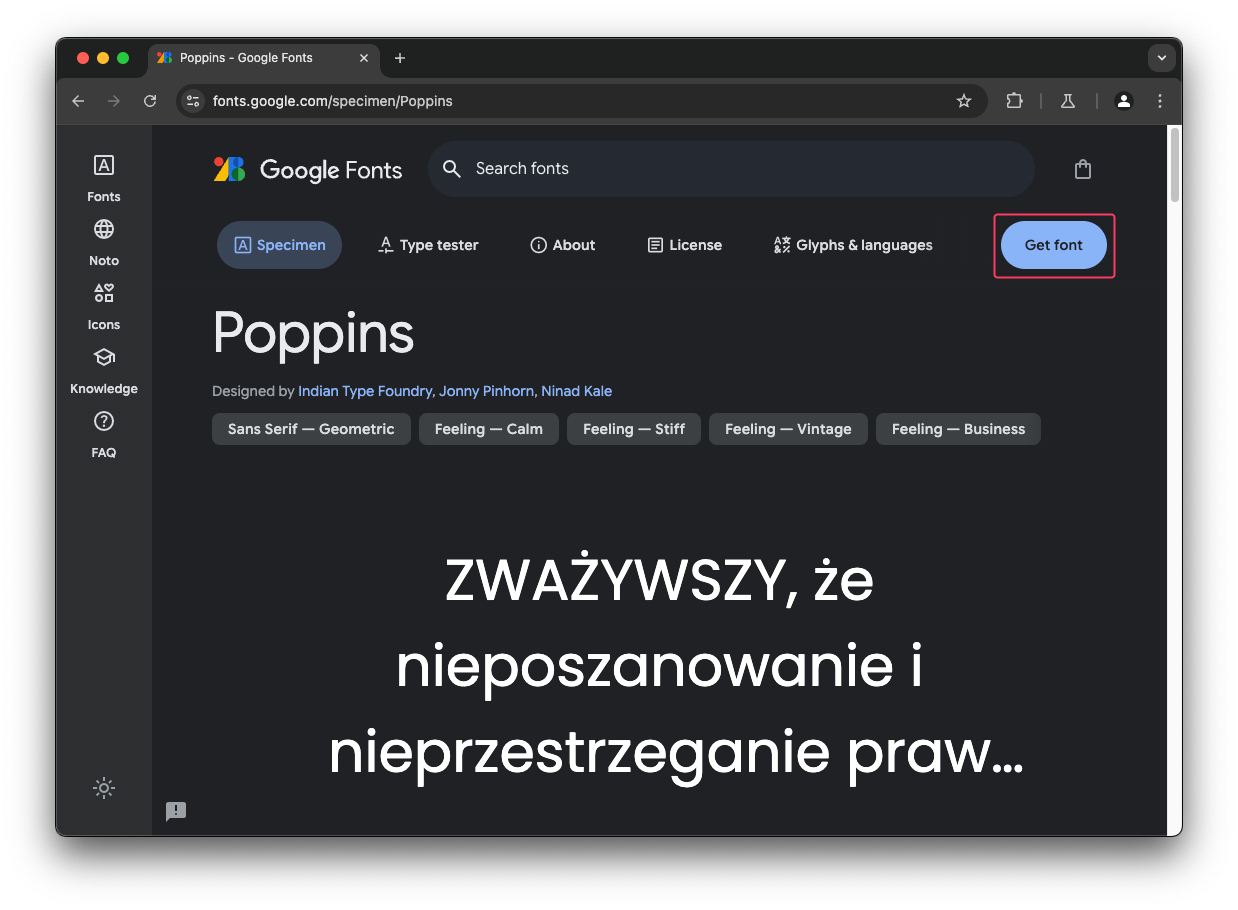
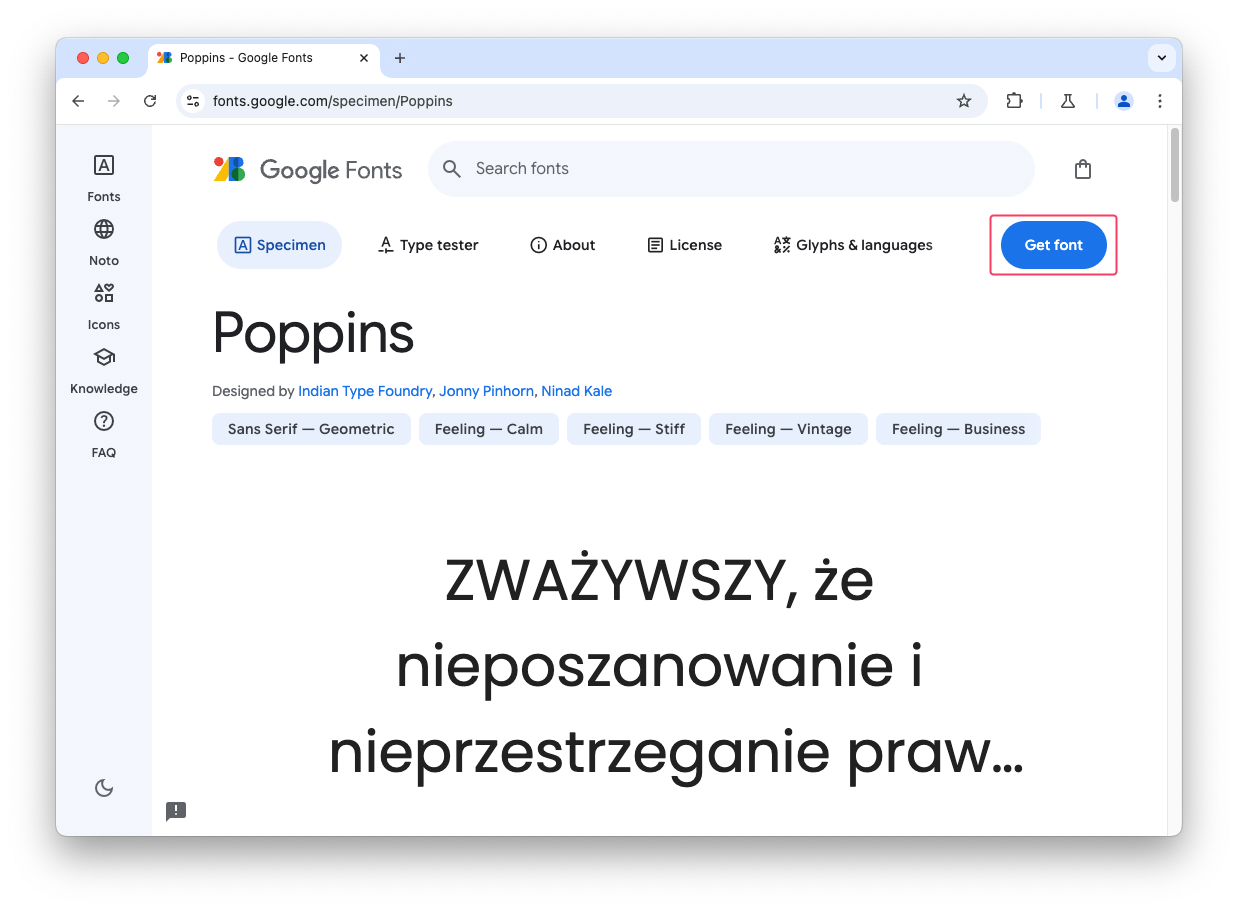
To use fonts from Google Fonts, choose the font and click Get font:
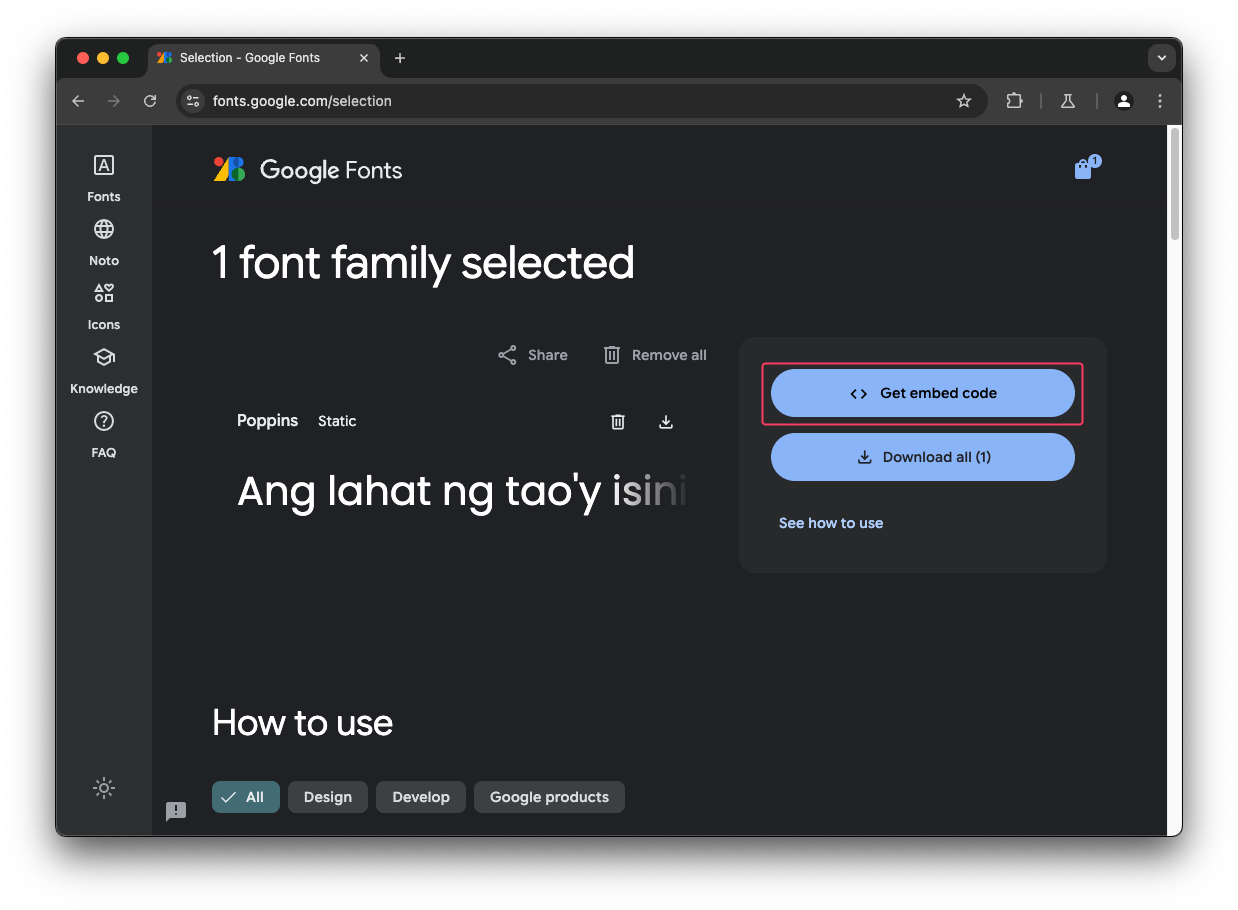
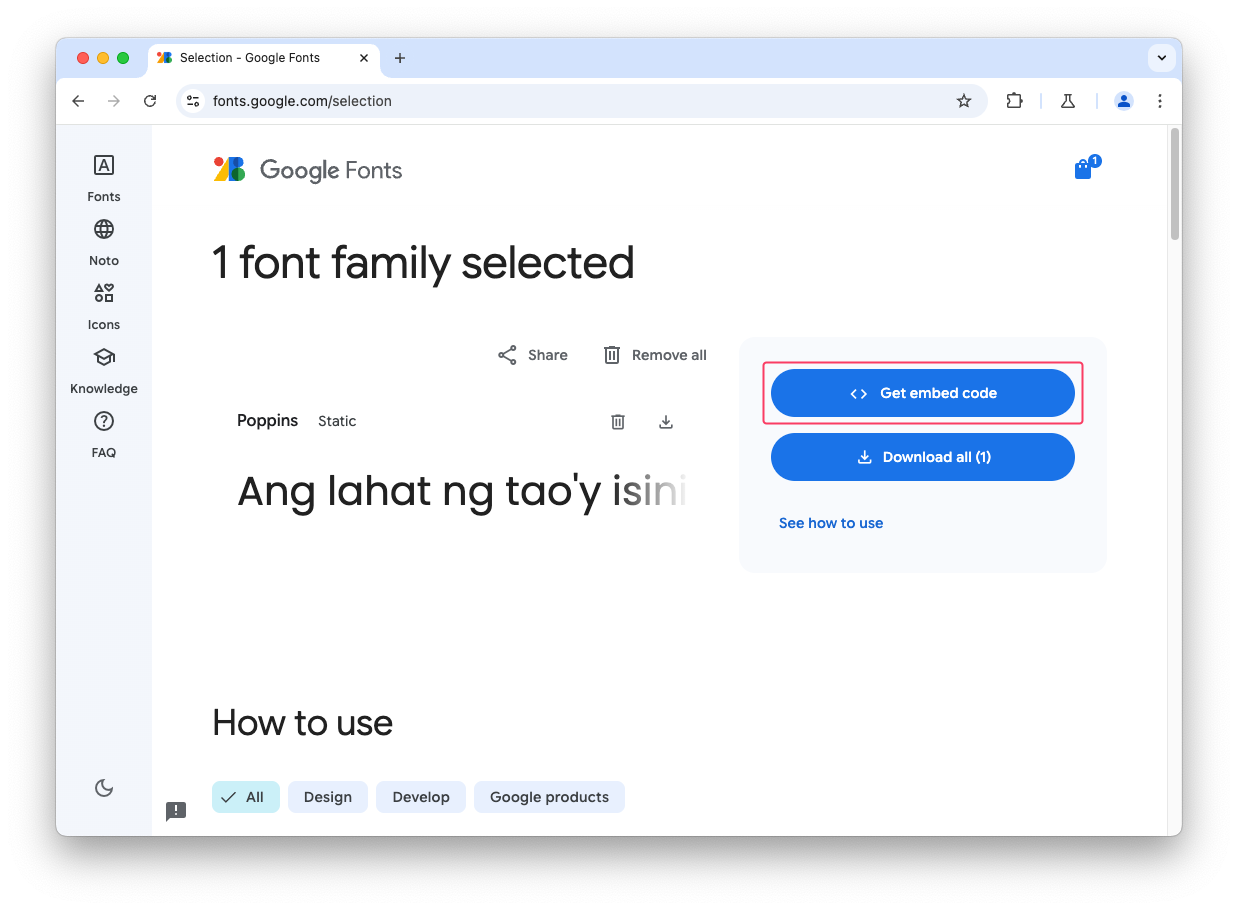
Click Get embed code:
Select @import and click Copy code:
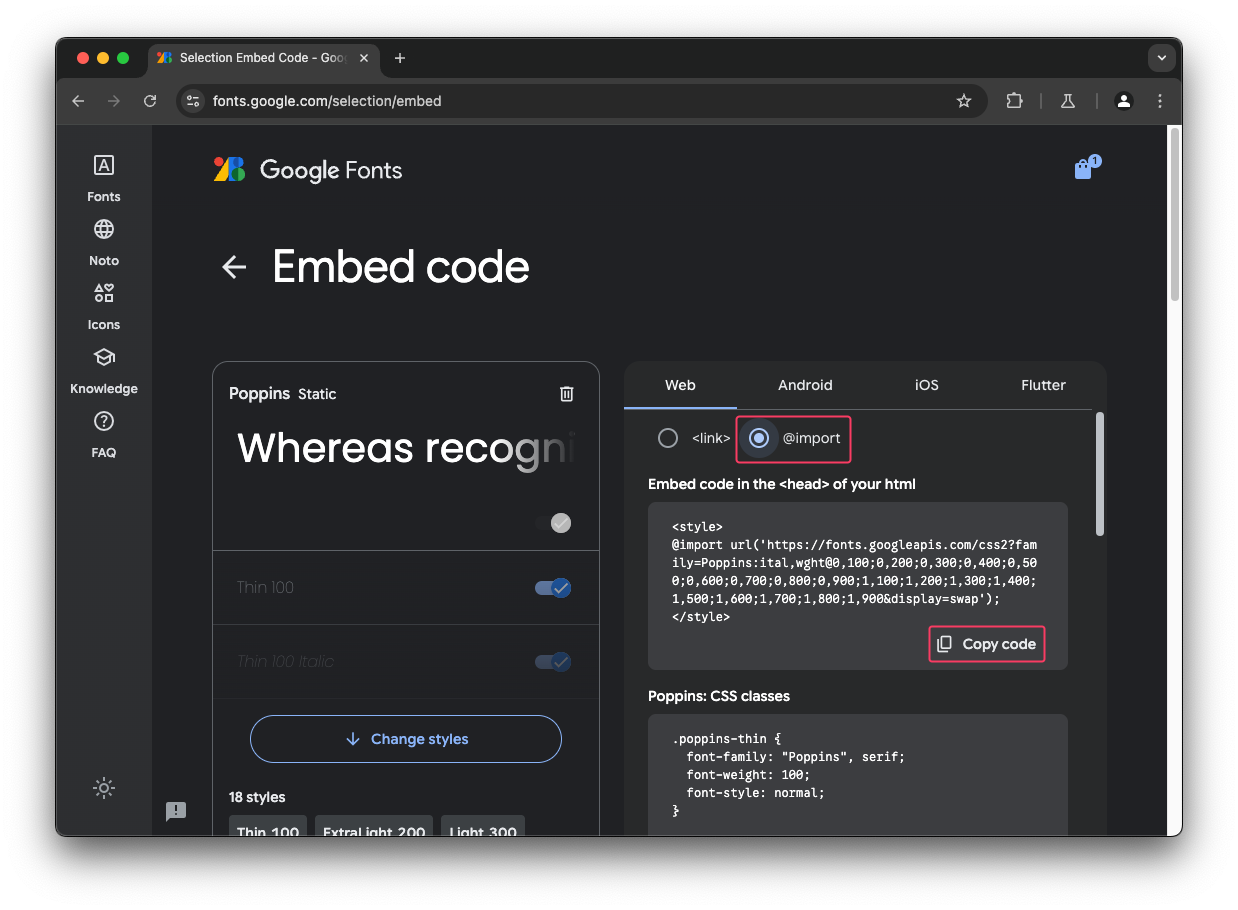
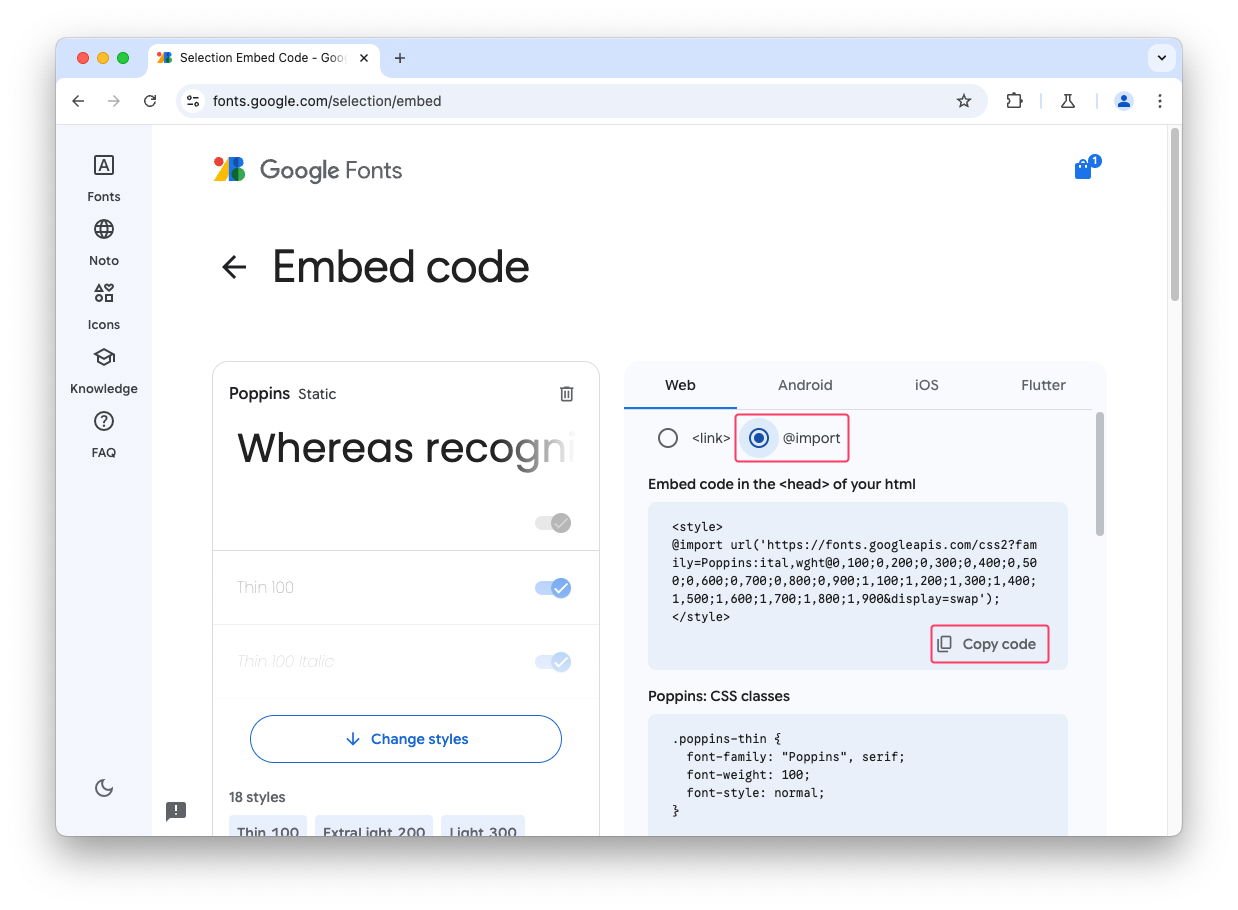
Paste the copied code at the top of the my-fonts.css file, remove surrounding <style> elements and specify the font face in --vp-font-family-base:
CSS
@import url('https://fonts.googleapis.com/css2?family=Poppins:ital,wght@0,100;0,200;0,300;0,400;0,500;0,600;0,700;0,800;0,900;1,100;1,200;1,300;1,400;1,500;1,600;1,700;1,800;1,900&display=swap');

:root {

  /* Typography */
  --vp-font-family-base: "Poppins", 'Chinese Quotes', 'Inter var', 'Inter', ui-sans-serif,
    system-ui, -apple-system, BlinkMacSystemFont, 'Segoe UI', Roboto,
    'Helvetica Neue', Helvetica, Arial, 'Noto Sans', sans-serif,
    'Apple Color Emoji', 'Segoe UI Emoji', 'Segoe UI Symbol', 'Noto Color Emoji';
}